
Fake QR Code Mockup: Free Placeholder QR Codes to Download
Drop a real, scannable placeholder QR code into any mockup — Figma, print, packaging, or a pitch deck. Take one of the ready-made codes below, or design your own in the generator further down. Both are free to download, no sign up.
Download a Placeholder QR Code for Your Mockup
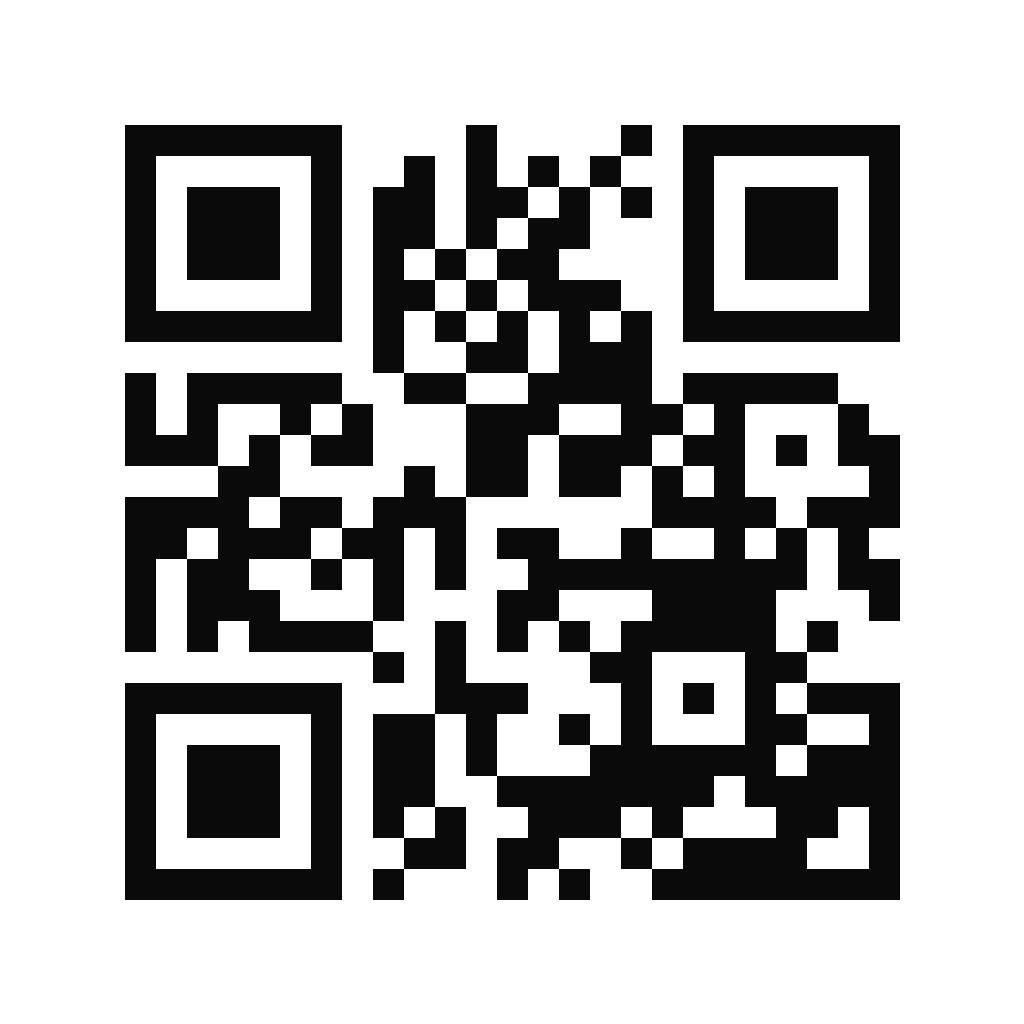
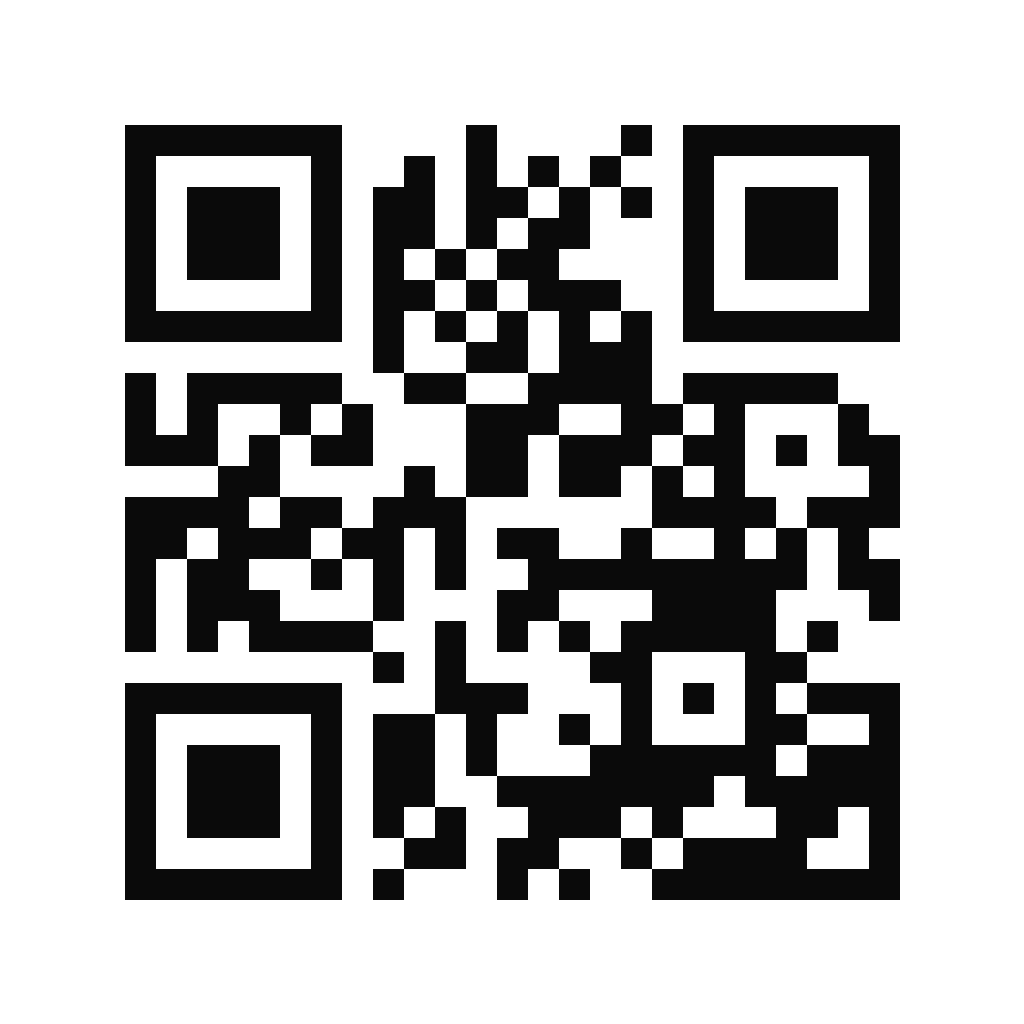
Classic black
The standard high-contrast placeholder. Reads as a finished QR code in any layout.
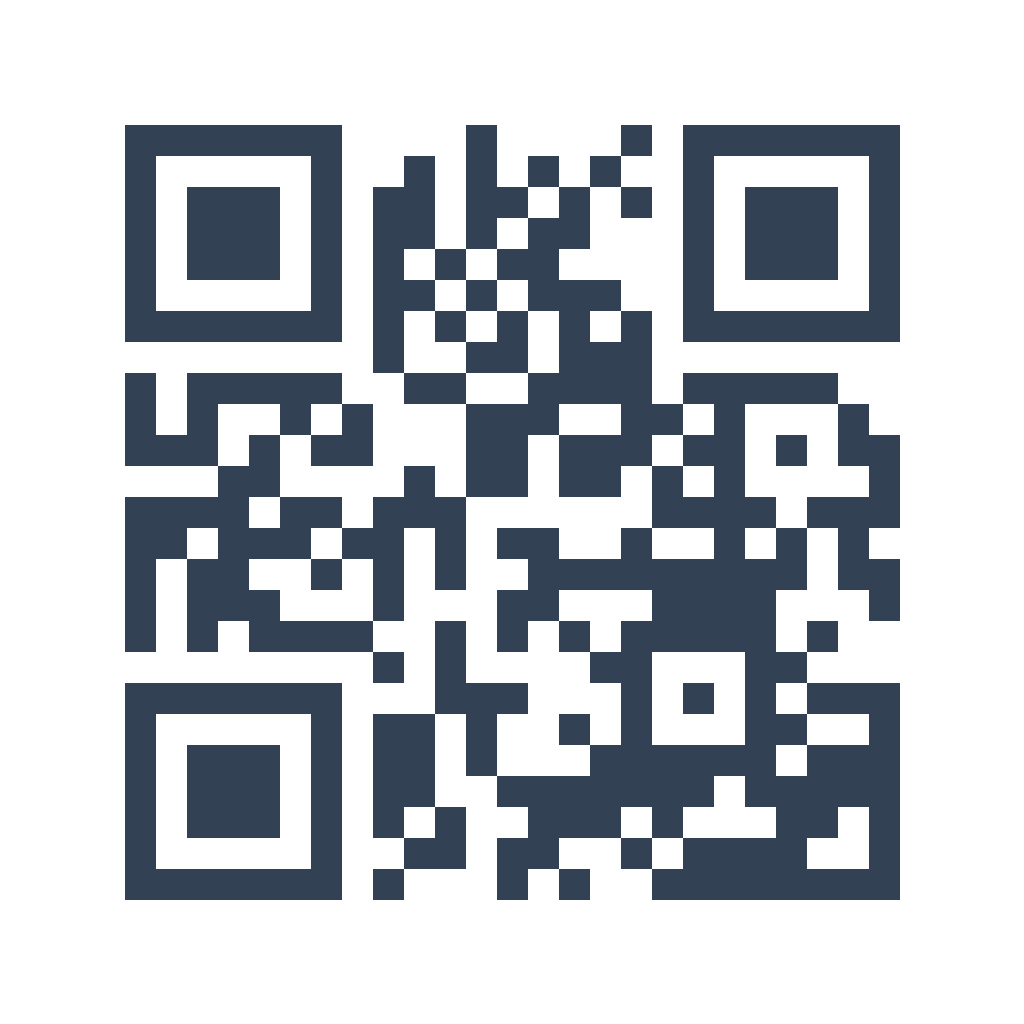
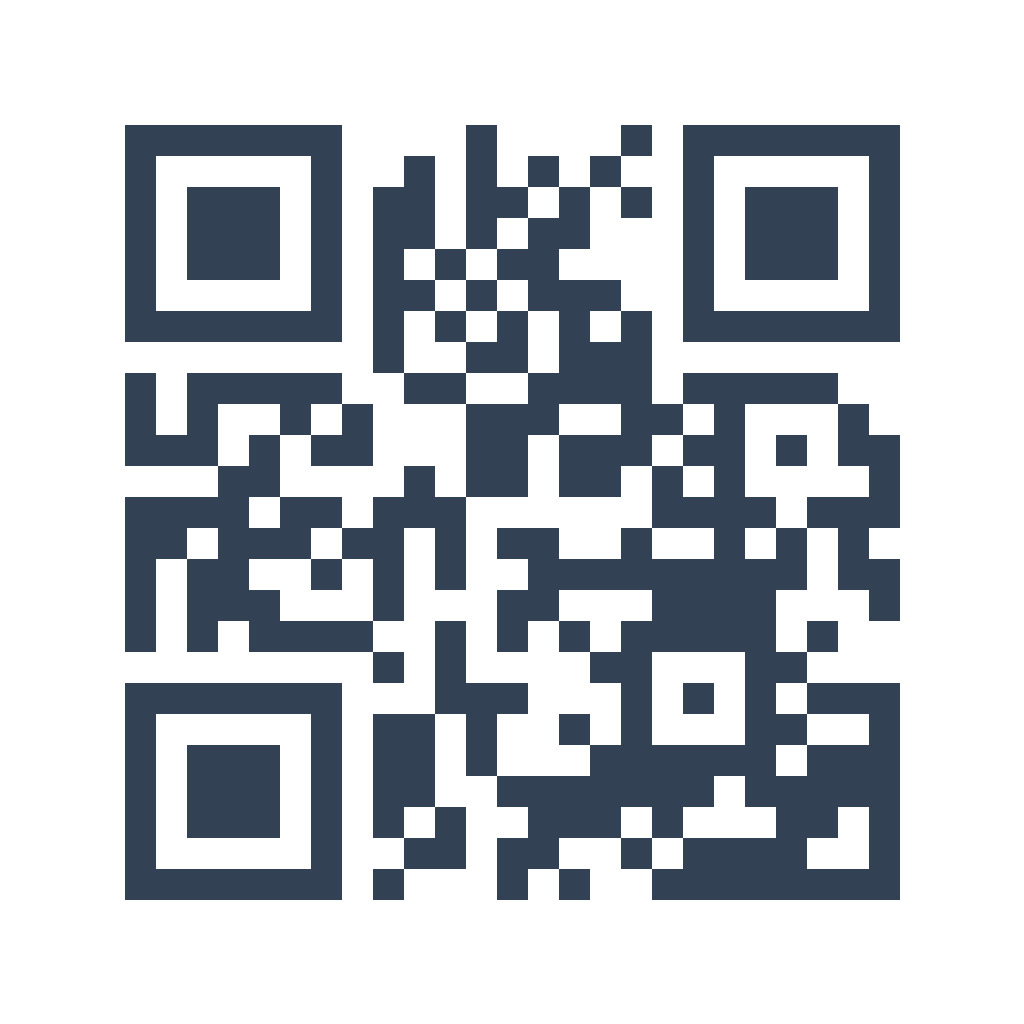
Slate wireframe
A softer, muted code for low-fidelity wireframes and lighter designs.
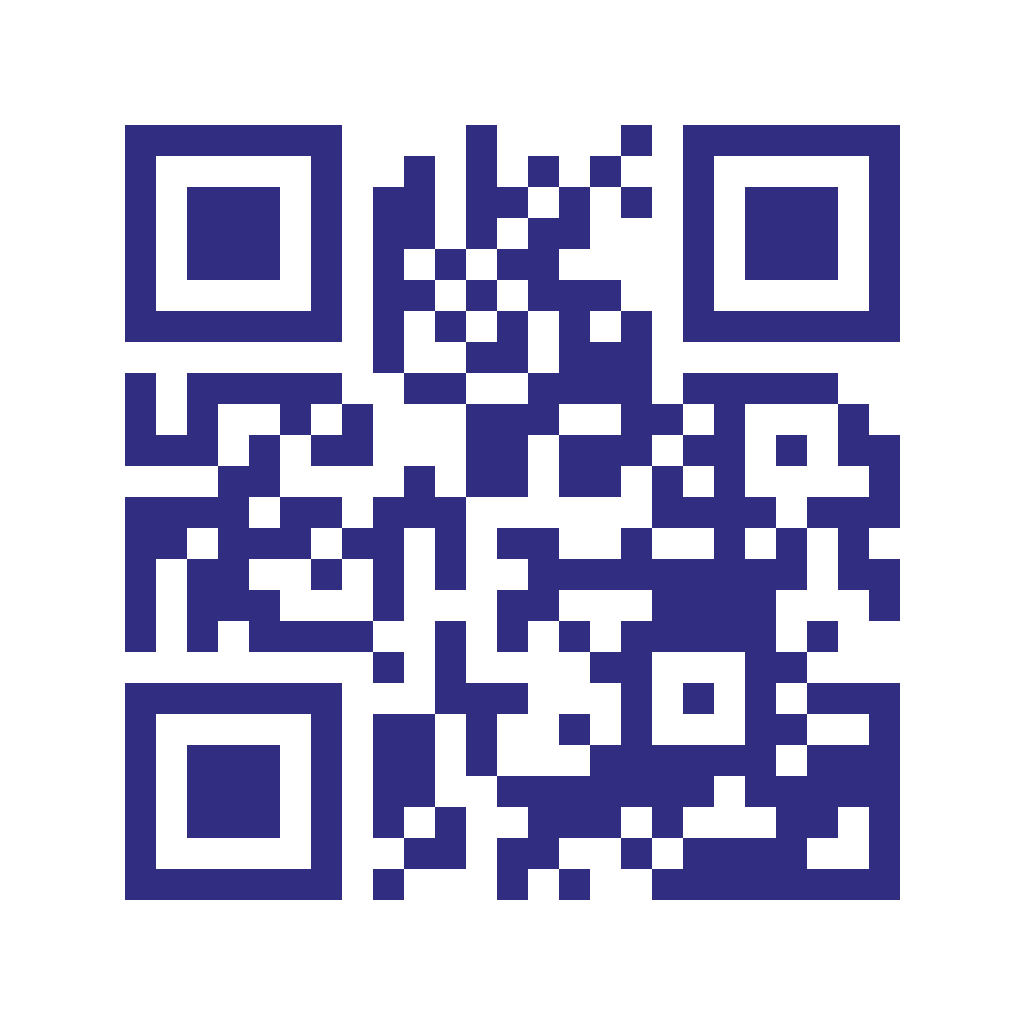
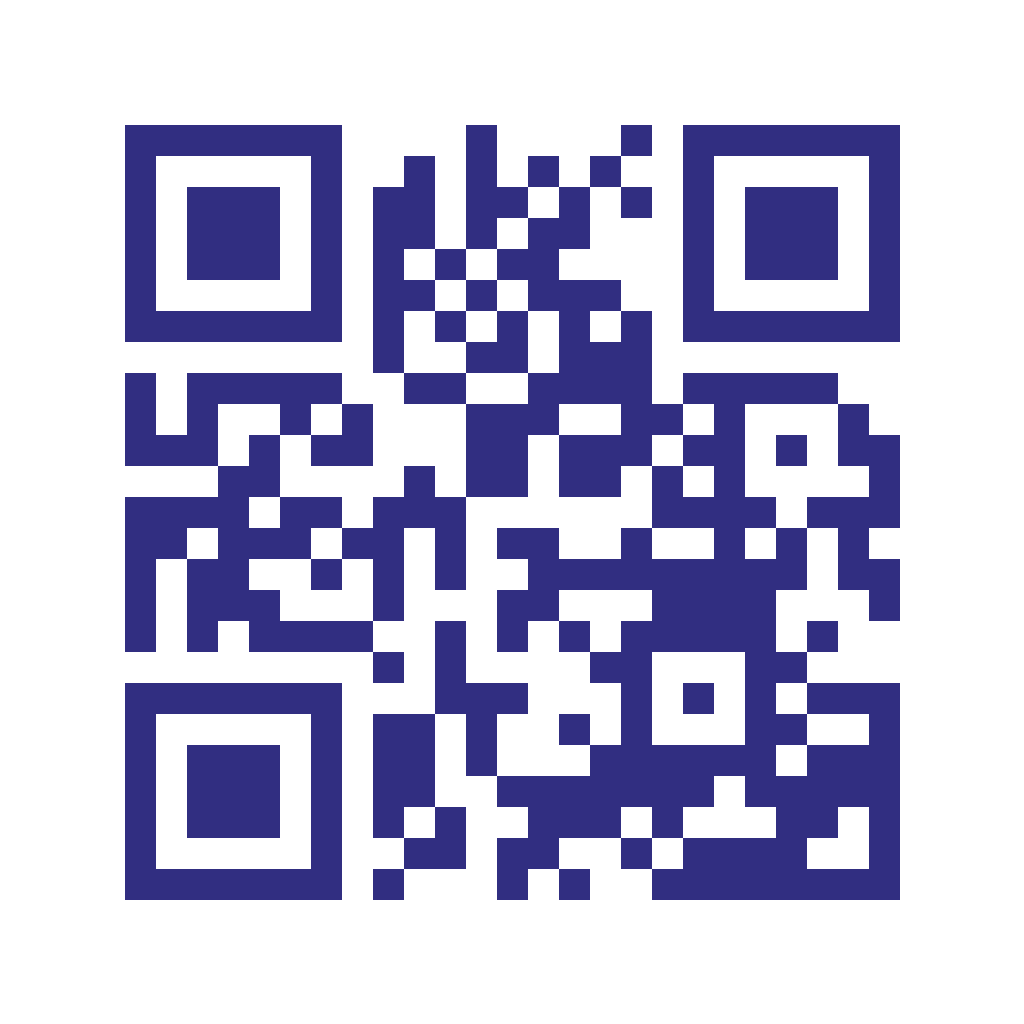
Indigo tint
A tinted example — a preview of how a brand color looks on a code you build later.
Every code scans to useqrkit.com, a safe, neutral destination, so a mockup that slips into print still does something harmless. The SVG imports into Figma, Sketch, and Illustrator as an editable layer. Need your own colors or a logo? Make one below.
Make your own
Design a Placeholder QR Code in Your Own Style
The link is already filled in with useqrkit.com and the code is set to static, so you can style it and press Download right away — you get a PNG with no account. Paste a different link if you like. Switch to dynamic when the code is going to print: that one takes a free account, because it lives in your dashboard so you can change where it points later.







The one rule of placeholder QR codes: never send a static placeholder to print as your final artwork. The moment it goes to a printer or a live campaign, it has to point somewhere real — or every scan lands on a stand-in page.
Make the design final, not the destination
Never Print a Placeholder — Use a Dynamic Code Instead
A placeholder is perfect for the mockup stage. The problem starts when the mockup becomes the real thing and the link still points nowhere useful. A dynamic QR code solves this cleanly: it keeps the exact same printed image while letting you set or change the destination whenever you want. Lock the design in today, connect the real page the day it goes live.
Static placeholder
FreeA static code bakes the placeholder link into the image permanently. Great for the mockup stage — but if it ships, the only fix is to regenerate the code and redo the artwork. Free and unlimited, and a static PNG from this page needs no account.
Dynamic placeholder
EditableKeeps the same printed image while letting you point it at your real page anytime. QRKIT's free plan includes 1 dynamic code with up to 100 scans per month; more dynamic codes, unlimited scans, and advanced analytics start at Starter ($5/month billed annually).
Our recommendation
Ship thisFor anything headed to print, packaging, or a live campaign, make it dynamic. You approve the design today and connect the real destination the day it's ready — no reprints, no reworks.
The honest answer
Can You Make a Blank QR Code?
Not a working one. A QR code's pattern of squares is its data — take the data away and there's nothing left for a scanner to read. So a truly “blank” QR code that still scans doesn't exist. When people search for a blank or empty QR code, they almost always want one of two things:
Recommended
A real placeholder code
A working code that stands in for a link you'll set later. It scans, it tests, and it's safe to print by accident. That's exactly what the codes above are — grab one and drop it in.
Visual only
A decorative QR-shaped graphic
A QR-looking pattern used purely as art that isn't meant to scan. Fine as filler a developer will replace, but never put it anywhere a real person might try to scan it — it won't work.
The takeaway: for anything that might be scanned, tested, or printed, use a real placeholder code rather than an empty graphic. You get a finished-looking design and a code that actually works.
Build your own
How to Create Your Own Placeholder QR Code
Want a placeholder in your own colors, or one you can turn into the real thing later? Make it here in under a minute — no account, no cost, no watermark for a static PNG, and a free account if you want a dynamic code you can re-point later.
Open the generator
Use the free generator on this page. No account, no watermark, no cost — a static placeholder downloads as a PNG straight away.
Enter any link
The field starts on useqrkit.com, a safe neutral link — keep it, or paste any URL. No final link yet? That's the whole point of a placeholder.
Style it to match your mockup
Change the color to fit your layout, add a logo, or keep it classic black-on-white. The preview updates live as you edit.
Download PNG or SVG
A static code downloads as a PNG with no account, ready for slides and screens. SVG and PDF for print and Figma — they scale to any size — come with any paid plan.
Make it dynamic before you ship
When the real link is ready, generate a dynamic code so you can swap the destination later without touching the finished artwork.
Static or dynamic? For a throwaway mockup, a free static code is all you need. For a client project, a print run, or any campaign that might change, start with a dynamic code so you never have to touch the artwork again — see how to print QR codes for the pre-flight checklist.
When to use one
Where Designers Use Placeholder QR Codes
A placeholder QR code shows up anywhere the design is ready before the link is. Here are the moments it saves the most time.
Figma & design comps
Fill the QR slot in a layout so stakeholders see a finished screen, not an empty box, before the URL is decided.
Print & packaging proofs
Show a client exactly how a code sits on a box, flyer, or poster while the real destination is still being finalized.
Pitch decks & presentations
Add a scannable-looking code to a slide so the concept reads as real without wiring up a live link first.
Ad & social creative
Mock up how a QR code lands in an ad or story frame, then swap in the tracked link before the campaign launches.
Website & app wireframes
Represent a scan-to-download or scan-to-pay step in a prototype without building the backend behind it yet.
Client & stakeholder sign-off
Get artwork approved on the strength of the layout, then attach the final destination once pages and budgets are locked.
110K+
creators
Free
Ready-made SVG & PNG, no account
PNG
From the generator, no account — SVG/PDF on paid plans
Placeholder QR Codes — Frequently Asked Questions
Get started
Placeholder Now, Real Link Later
Download a ready-made placeholder or build your own in under a minute, both with no account. Easy to turn into a dynamic code when the project ships.