
Sunday, February 15, 2026 · Updated Friday, October 2, 2026
QR Code for Donations: How to Create One Free (2026 Guide)
What Is a QR Code for Donations?
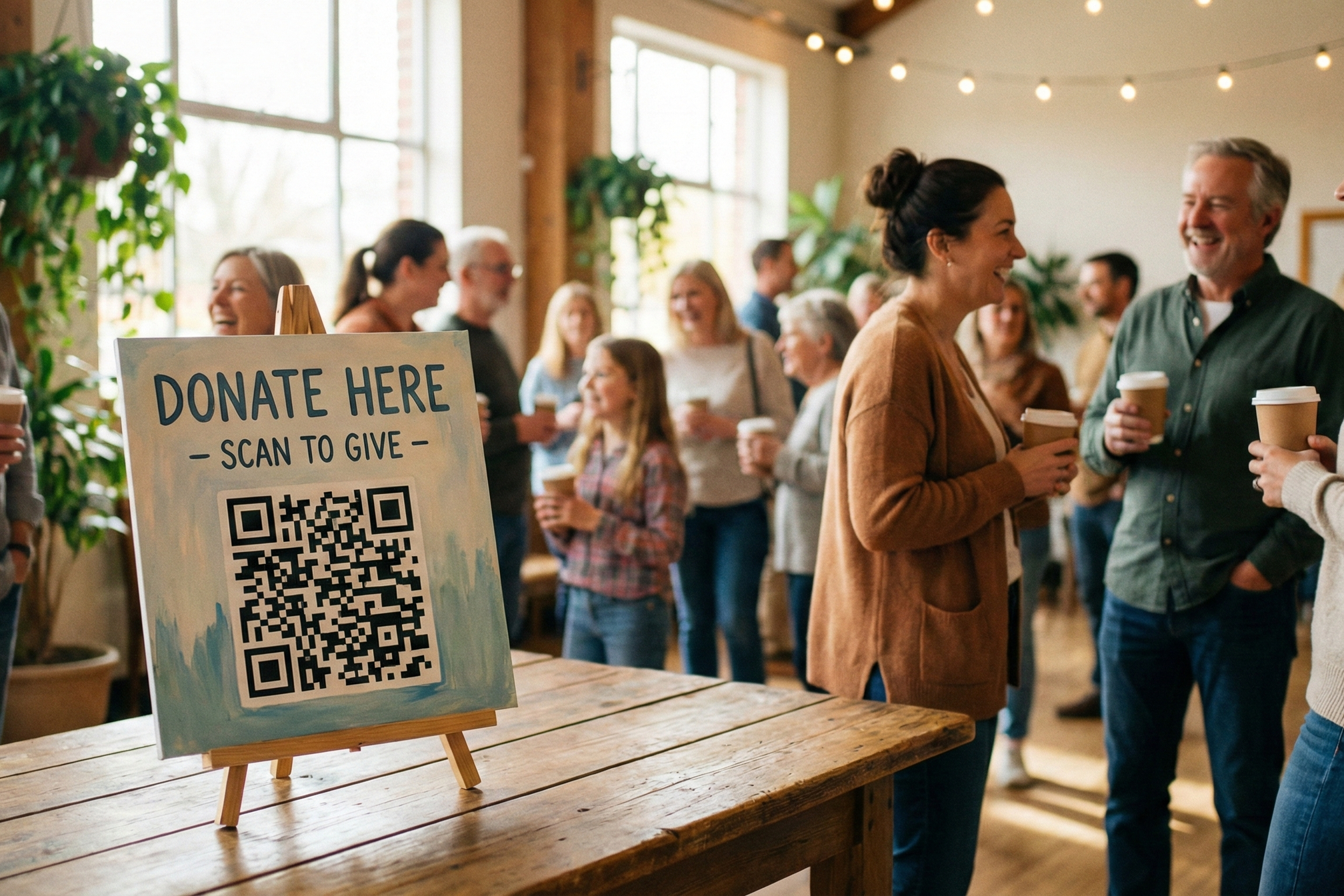
A QR code for donations is a scannable code that directs donors to your donation page. When supporters scan it with their phone camera (no app needed), they're instantly taken to your PayPal, Venmo, Stripe, or donation platform where they can give immediately.
The donor experience is simple: scan, page opens, donate in seconds. There's no app to download, no URL to type, and no fumbling for cash. It works on any smartphone with a camera, which today means virtually every phone on the planet.
Why does this matter for fundraisers? Because it eliminates the gap between a donor's intent and their action. Someone sees your flyer at a coffee shop, scans the code, and donates $25 before they finish their latte. A church member reads the bulletin during a service, scans the code, and tithes without pulling out a checkbook.
The timing couldn't be better. According to the Nonprofit Tech for Good 2025 Online Donor Survey, 36% of online donors have already donated to a nonprofit by scanning a QR code found on a print material, poster, or billboard. Among Gen Z and Millennial donors, that number jumps to nearly half. QR codes aren't a novelty for fundraising anymore. They're becoming a standard giving channel.
Why Nonprofits Are Using QR Codes to Raise More Funds
If you're running a nonprofit, church, or charity, here's why a donation QR code deserves a spot in your fundraising toolkit:
Eliminates friction between intent and action. A donor sees your flyer, scans, and donates in 10 to 30 seconds. No fumbling for cash, no finding a checkbook, no typing in a website URL. The lower the friction, the higher the conversion.
Works everywhere donors already are. Print (flyers, church bulletins, thank-you cards), digital (email, social media, website), in-person (event tables, direct mail). One QR code, infinite placement options.
Works with any payment method. Use your existing PayPal account, Venmo, Stripe, Square, or dedicated donation platform. No need to switch platforms or pay higher fees. The QR code is platform-agnostic, linking to whatever donation page you already have.
Dramatically improves direct mail results. According to RKD Group research, one nonprofit that added QR codes to their Christmas renewal mailing saw a 15% increase in response rate and a 22% boost in net revenue compared to their control. Another organization found that QR codes generated four times more revenue than their text-to-give option.
Creates trackable touchpoints. Dynamic QR codes provide analytics: how many people scanned, when, on which device, from which location. This data helps you understand which placements drive the most engagement.
Mobile-first for a mobile-first world. Mobile transactions continue growing year over year. QR codes are the bridge between print and in-person touchpoints and instant digital giving.
How Does a Donation QR Code Work?
Here's the complete donor journey, from scan to confirmed gift:
Step 1: Donor scans the QR code. A potential donor sees your QR code on a flyer, church bulletin, direct mail piece, event table, or email. They point their phone camera at the code. No app needed, as both iOS and Android have built-in QR readers. The code instantly opens a link.
Step 2: Donation page loads. The donor lands on your donation page (PayPal, Venmo, Stripe, Square, Donorbox, or whatever you use). The page should be optimized for mobile with a fast load time, a simple design, and one clear "Donate Now" button.
Step 3: Donor enters donation amount. The donor chooses how much to give, enters their payment information (or selects a saved payment method), and optionally designates the donation (e.g., "Building Fund" or "General Donations").
Step 4: Donation confirmed. The donation processes instantly. The donor receives a receipt by email. Your nonprofit receives the funds (minus payment processor fees). The whole process takes less than a minute.
Best practice: Configure your donation page to send an immediate automated thank-you email, then a personalized follow-up within 48 hours. This closes the loop and increases donor retention for future campaigns.
How to Create a QR Code for Donations in 5 Steps
Ready to set one up? Here's a step-by-step guide that works regardless of what payment platform you use.
Step 1: Set Up Your Donation Page (If You Don't Have One Yet)
You need a page where donors land after scanning. If you already have a donation page, skip to Step 2. If not, here are your options:
- PayPal.Me link is the simplest and free. Go to paypal.me and set up your link. Donors can donate directly.
- Venmo works well for younger donors. Create an account and use your @handle.
- Stripe Payment Link lets you create a shareable donation link from your Stripe dashboard.
- Square Invoices lets you create a donation link via Square.
- GoFundMe is ideal for specific campaigns, disaster relief, or personal fundraising.
- Dedicated platforms like Donorbox, Givebutter, Give Lively, or Zeffy offer more features (recurring gifts, donor database, reporting) at slightly higher fees.
Most readers will already have a donation setup. The key point: any page with a URL works.
Step 2: Copy Your Donation Page URL
From whatever platform you're using, copy the full URL. For example: `paypal.me/YourNonprofitName` or `donorbox.org/yourcharity` or your custom Stripe payment link.
Step 3: Open a QR Code Generator and Choose Dynamic
Go to a free QR code generator and follow these steps:
- Select "URL/Website" as the QR type
- Paste your donation page URL into the text field
- Choose Dynamic (not Static). Dynamic codes let you update the link later and track scans without reprinting. This is critical for fundraising, because if your campaign URL changes, you won't need to reprint all your materials.
Step 4: Customize Your QR Code
Make it your own:
- Add your nonprofit's logo or icon to the center of the code
- Choose colors that match your organization's brand (but keep contrast high so phones can scan reliably)
- Add a CTA frame around the code with text like "Scan to Donate" or "Support Our Cause"
- Test scanning with your phone before proceeding
Step 5: Download, Test, and Deploy
- Download the QR code (PNG for digital use, PDF for printing)
- Test the code: scan it with your phone to confirm it opens your donation page and the page loads properly on mobile
- Deploy it: use on flyers, church bulletins, direct mail, email, social media, website, event signage
That's it. Five steps, and you have a working donation QR code.
8 Best Places to Put Your Donation QR Code
Creating the code is just the beginning. Where you place it determines how many people actually scan and donate.
1. Church Bulletins and Programs
Weekly or monthly bulletins reach your congregation regularly. Include a QR code in the "Giving Opportunities" section for weekly giving, building fund, or mission trips. Place it in a designated 2" x 2" box with clear text: "Scan to Give to [Specific Fund]."
2. Event Tables and Signage
Galas, walkathons, silent auctions, and fundraising events are prime real estate. Donors are already in a giving mindset. Use table tents with QR codes paired with donation tiers ("Scan to Become a Bronze Sponsor"). Print large (4" x 4" minimum) for event signage.
3. Fundraising Flyers and Posters
Community boards, storefronts, and social media are all opportunities. Print the code at least 3" x 3" for scannability. Include a headline like "Help Us [Cause], Scan to Donate" and add social proof: "Over $50,000 raised this year thanks to supporters like you."
4. Direct Mail and Donation Letters
Annual appeals, thank-you cards, and new donor welcome packages. Place the QR code prominently with a call-to-action: "Scan here to make your gift today." Always include a website URL or phone number as a backup for donors who prefer not to scan.
5. Email Newsletters and Signatures
Weekly or monthly newsletters reach engaged supporters. Include the QR code as an image with alt text, and always add a text link as a fallback. Staff can add QR codes to their email signatures for ongoing visibility.
6. Social Media Bio and Posts
Share the QR code as an image post on Instagram, Facebook, or TikTok with a caption like "Quick link to donate, scan or click the link in bio." Repost monthly to keep it visible.
7. Website Donate Page
Add the QR code on your donation page as an alternative for visitors on desktop who might want to complete the donation on their phone, or for visitors who want to screenshot and share it with others.
8. Promotional Materials and Merchandise
T-shirts, tote bags, bookmarks, and stickers. Branded merchandise extends your QR code's reach well beyond your events. Print the code large and high-contrast (minimum 1" x 1") with a clear quiet zone (white space) around it.
How to Create Donation QR Codes for PayPal, Venmo, Square and Other Platforms
One of the biggest advantages of QR codes for donations is that they work with any payment platform you already use. Here's how to set one up for the most popular options.
PayPal
Use your PayPal.Me link (`paypal.me/yourname`) or create a donation button URL from the PayPal Fundraising page (`paypal.com/donate`). PayPal charges around 2.2% + $0.30 per transaction for nonprofit donations. Best for churches, small nonprofits, and individuals.
Venmo
Use your Venmo profile link (`venmo.com/yourname`). Venmo is free for received payments (no fees). Best for younger donors and event fundraising. Note that Venmo has transaction limits, so check the current maximums for your account type.
Square
Create a donation page through Square Online and copy the link. Square charges 2.6% + $0.10 per transaction. Best for organizations already using Square for other payments.
Stripe
Create a Payment Link from your Stripe dashboard. Stripe charges 2.9% + $0.30 per transaction, with discounted rates for registered nonprofits. Best for tech-forward organizations that want custom branding.
GoFundMe
Copy your campaign URL (`gofundme.com/yourfundraiser`). GoFundMe charges 0% platform fees for personal campaigns (payment processing fees still apply). Best for specific campaigns, disaster relief, or personal fundraising.
Dedicated Donation Platforms (Donorbox, Givebutter, Zeffy)
These platforms provide a full donation form URL with advanced features like recurring gifts, donor databases, and reporting. Fees typically range from 0% (Zeffy) to 2.9% + $0.30. Best for established nonprofits wanting comprehensive fundraising tools.
For all of these: copy your donation URL, paste it into UseQRKit's free generator, and your QR code works instantly with that platform.
Donation QR Code Ideas by Organization Type
Different organizations have different fundraising needs. Here are specific ideas for each.
Churches and Faith Organizations
Program idea: "Scan to Give to Weekly Offerings, Building Fund, or Missions Work."
Place QR codes at the giving station, in bulletins, and on outdoor signage. Many churches report significant increases in online giving when QR codes are added to their bulletins. Use separate QR codes for different funds (general, building, missions) so donors can designate their gifts.
Example CTA: "Scan to Tithe" or "Scan to Give to Our Building Campaign"
Nonprofits and Charities
Program idea: "Annual Giving Campaign, Scan to Support [Cause]."
Use different QR codes for different campaigns. Dynamic codes make this easy, as you can create one code per campaign and track which ones have the highest scan rates. Rotate your CTA based on the time of year (end-of-year giving, Giving Tuesday, spring appeal).
Example CTA: "Scan to Help Homeless Families" or "Support Our Cause, Scan Here"
Schools and PTAs
Program idea: "PTA Fundraiser, Scan to Donate to [Specific Fund]."
Place QR codes in permission slips, school newsletters, and classroom flyers. Segment by grade level or program (robotics team, art department, scholarship fund) so parents can direct their giving.
Example CTA: "Book Fair Fundraiser, Scan to Donate" or "Support Our Robotics Team"
Event Organizers
Program idea: "Gala or Walkathon Donations, Scan to Give."
Large printed signage at event tables. QR codes on bid cards for silent auctions. Include donation tiers on signage next to the QR code ("$25 = supplies for one family, $100 = one month of housing assistance").
Example CTA: "Annual Gala Donations, Scan to Sponsor"
Community Foundations
Program idea: "Quick Donation Link for Supporters."
QR codes in annual reports, grant communications, and donor thank-you packages. Community foundations can create separate codes for different focus areas (education, health, environment) to let donors choose their impact.
Example CTA: "Support Local Good, Scan to Give"
Should You Use a Static or Dynamic QR Code for Donations?
The short answer: use dynamic, almost always.
Aspect: Static QR Code
Cost: Free
Can be updated: No, link is permanent
Analytics/Tracking: None
Best for donations: One-time permanent campaign
Reprinting if URL changes: Yes
For donations, dynamic QR codes are the better choice. Why? Because nonprofits frequently update campaigns (annual giving, disaster relief, special event, Giving Tuesday) and dynamic codes let you change the destination URL without reprinting physical materials. You also get scan analytics, so you can see which placement locations drive the most engagement.
Static QR codes make sense only if you have a permanent donation URL that will never change, like a church with a PayPal link they've used for years.
Learn more about the differences in our full guide to static vs dynamic QR codes.
Building Donor Trust with QR Codes
Some donors hesitate before scanning a QR code. That's understandable. Here's how to build trust and make donors feel confident.
Brand your QR code. Add your nonprofit's logo or icon to the center of the code. A branded code signals legitimacy compared to a plain black-and-white square.
Use clear CTA text. Always include text near the code that explains what it does: "Scan to Donate to [Nonprofit Name]." Never leave a QR code without context.
Ensure your donation page uses HTTPS. Look for the padlock icon in the browser. If you use a reputable platform (PayPal, Square, Stripe, Donorbox), this is handled automatically.
Provide a text fallback. Include a text URL or phone number alongside the QR code for donors who can't or won't scan. This also reinforces trust, as they can see where the code goes.
Test before deployment. Scan the code yourself to confirm it opens the correct donation page without redirects or errors. A broken QR code damages credibility.
For a deeper look at QR code safety, see our guide to QR code security.
How to Track and Measure Your Donation QR Code Success
If you're using dynamic QR codes, you get built-in analytics. Here are the key metrics to watch:
Total scans. How many times was the QR code scanned? Compare across different placements (flyers vs. direct mail vs. event tables) to see which locations drive the most engagement.
Scan-to-donation conversion rate. Track QR scans divided by donations received to calculate your conversion rate. This requires some manual tracking unless your QR tool integrates with your donation platform.
Geographic insights. Dynamic QR codes show location data (city or region where scanned). Use this to identify which physical locations or regions drive the most interest.
Device type. See if scans come mostly from iPhones, Androids, or tablets. This helps you optimize your mobile donation experience for the right devices.
Time and day of week. See when people scan (Sundays during church service, evenings after direct mail delivery). Use this timing data to plan future campaigns and email follow-ups.
Frequently Asked Questions About Donation QR Codes
How do I create a QR code for donations?
In five steps: set up a donation page (or use your existing one), copy the URL, open a free QR code generator like UseQRKit, paste the URL and choose dynamic, customize the design, then download and deploy. The whole process takes less than five minutes.
Can I use a free QR code generator for donations?
Yes. UseQRKit and other generators offer free dynamic QR codes suitable for donations with no limits on scans. Some free tools have scan limits or feature restrictions, so check before committing to one. For most nonprofits, a free tier is more than enough.
What payment methods work with donation QR codes?
Any payment platform with a shareable link: PayPal, Venmo, Square, Stripe, GoFundMe, Donorbox, Givebutter, Zeffy, and more. The QR code simply points to your donation URL, regardless of which payment processor handles the transaction.
Do I need a donation platform to use a QR code?
No. You can use any payment link (PayPal.Me, Venmo, Stripe Payment Link) paired with a QR code. Dedicated donation platforms like Donorbox or Givebutter offer extra features (recurring gifts, donor management, tax receipts) but aren't required to accept donations via QR code.
How do donors use a donation QR code?
They scan the code with their phone camera (no app needed), the donation page opens automatically, they enter their donation amount and payment info, and the donation is confirmed. The entire process takes 10 to 30 seconds.
Do QR codes for donations expire?
Dynamic QR codes remain active as long as your account with the QR code provider is active. Static QR codes never expire, as the URL is encoded directly into the pattern. For more details, read our guide on whether QR codes expire.
Can I track how many people donate through my QR code?
Dynamic QR codes show scan analytics (total scans, location, device, time). However, to track actual donations, you'll need to cross-reference scan data with your donation platform's reports, unless the two systems are integrated.
Is it safe for donors to scan QR codes?
Yes, provided the QR code points to a secure (HTTPS) donation page from a trusted platform. Donors should see the padlock icon in their browser. Using reputable payment processors like PayPal, Square, or Stripe ensures industry-standard security for all transactions.
What's the best place to put a donation QR code?
High-visibility locations where donors are already thinking about giving: event tables, church bulletins, direct mail, fundraising flyers, email newsletters, and social media. See our full placement guide above for 8 specific ideas with best practices for each.
Can I use the same QR code for multiple donation campaigns?
With a dynamic QR code, you can update the destination URL to point to different campaigns. This saves printing costs, but it makes tracking harder since all scans go to one code. Best practice: create one QR code per campaign for cleaner analytics.
What size should my donation QR code be?
Minimum 2cm x 2cm (about 0.8" x 0.8") for direct mail and flyers. For event posters, go larger at 4cm x 4cm (1.6" x 1.6") or more. For large signage, 5cm x 5cm minimum. Always ensure at least 1cm of quiet zone (white space) around the code.
Can I customize the appearance of my donation QR code?
Absolutely. Add your nonprofit logo, change colors to match your branding, and add a CTA frame with text like "Scan to Donate." Just make sure to maintain high contrast between the code and background so phones can still scan it reliably. Always test after customizing.
Start Accepting Donations with QR Codes Today
Creating a donation QR code is one of the simplest, most effective things you can do to modernize your fundraising. It costs nothing to set up, works with the payment platform you already use, and gives donors a frictionless way to support your cause.
Whether you're a church looking to simplify weekly tithing, a charity running an annual campaign, or an event organizer accepting donations at a gala, a QR code bridges the gap between a donor's intent and their action.
Create your donation QR code free with UseQRKit and start accepting donations in minutes. No sign-up required.